
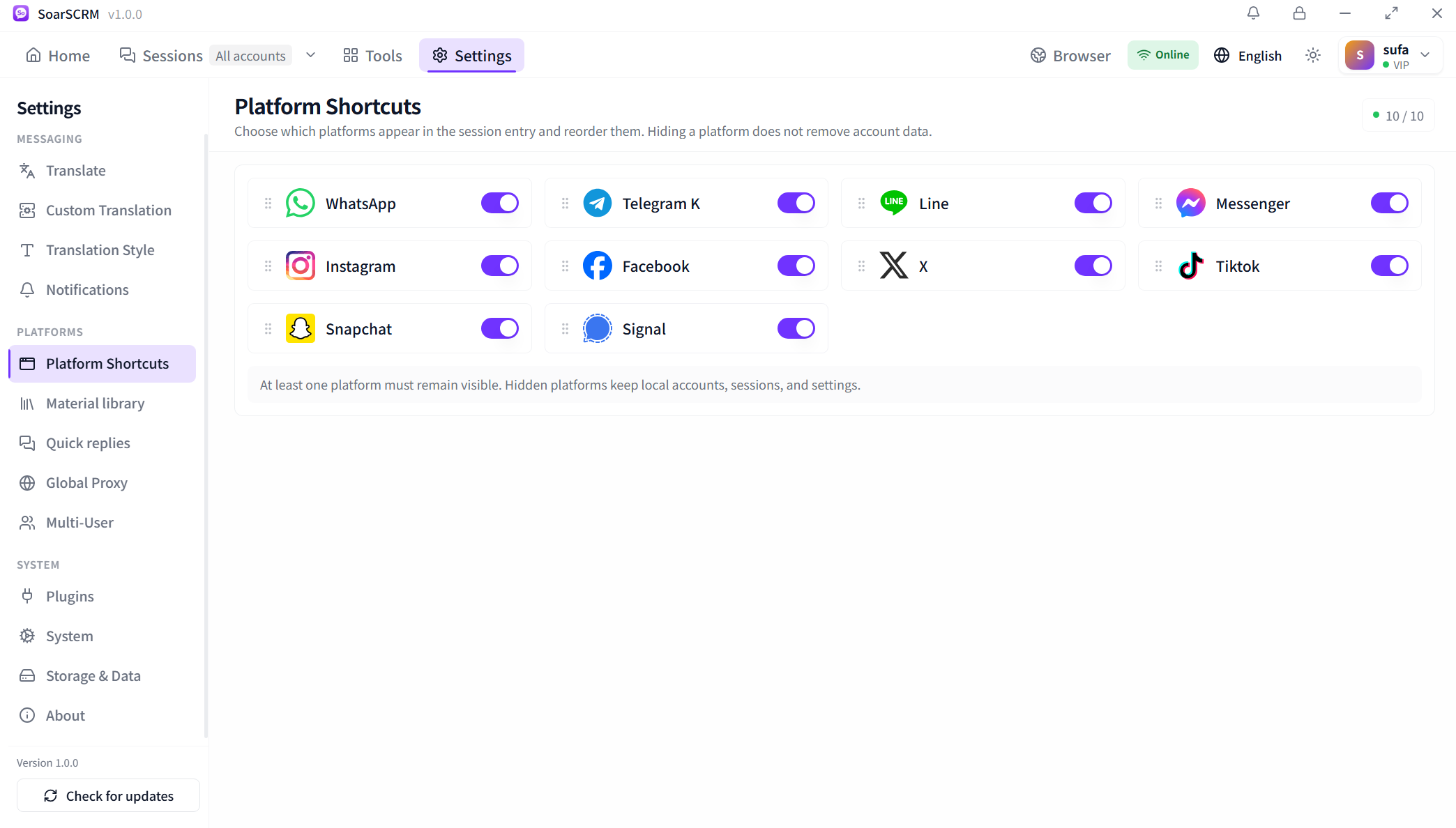
Arrange platform shortcuts
Choose which platform entries appear and reorder them. Hiding an entry preserves its accounts, conversations and settings; keep at least one platform visible.
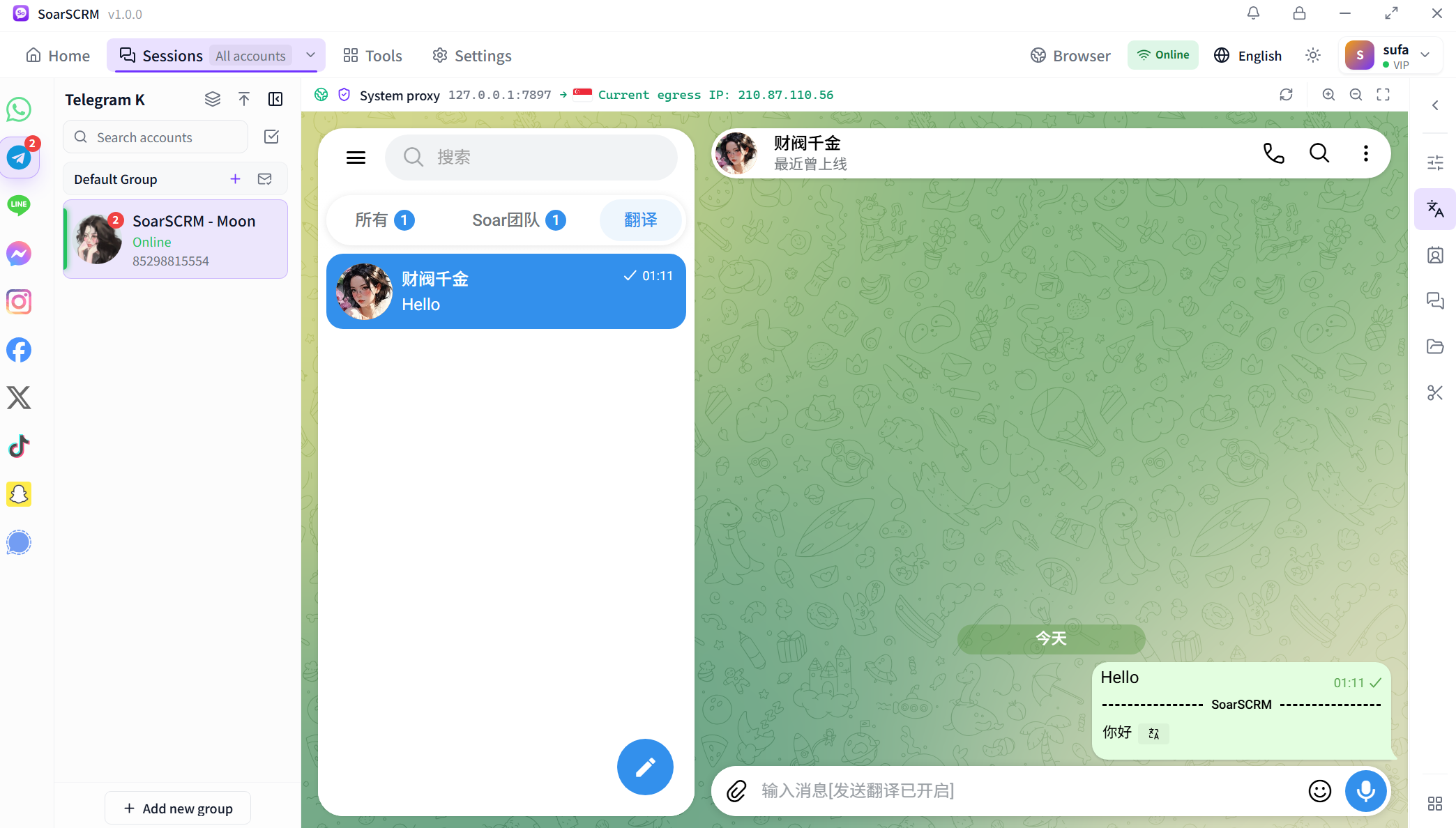
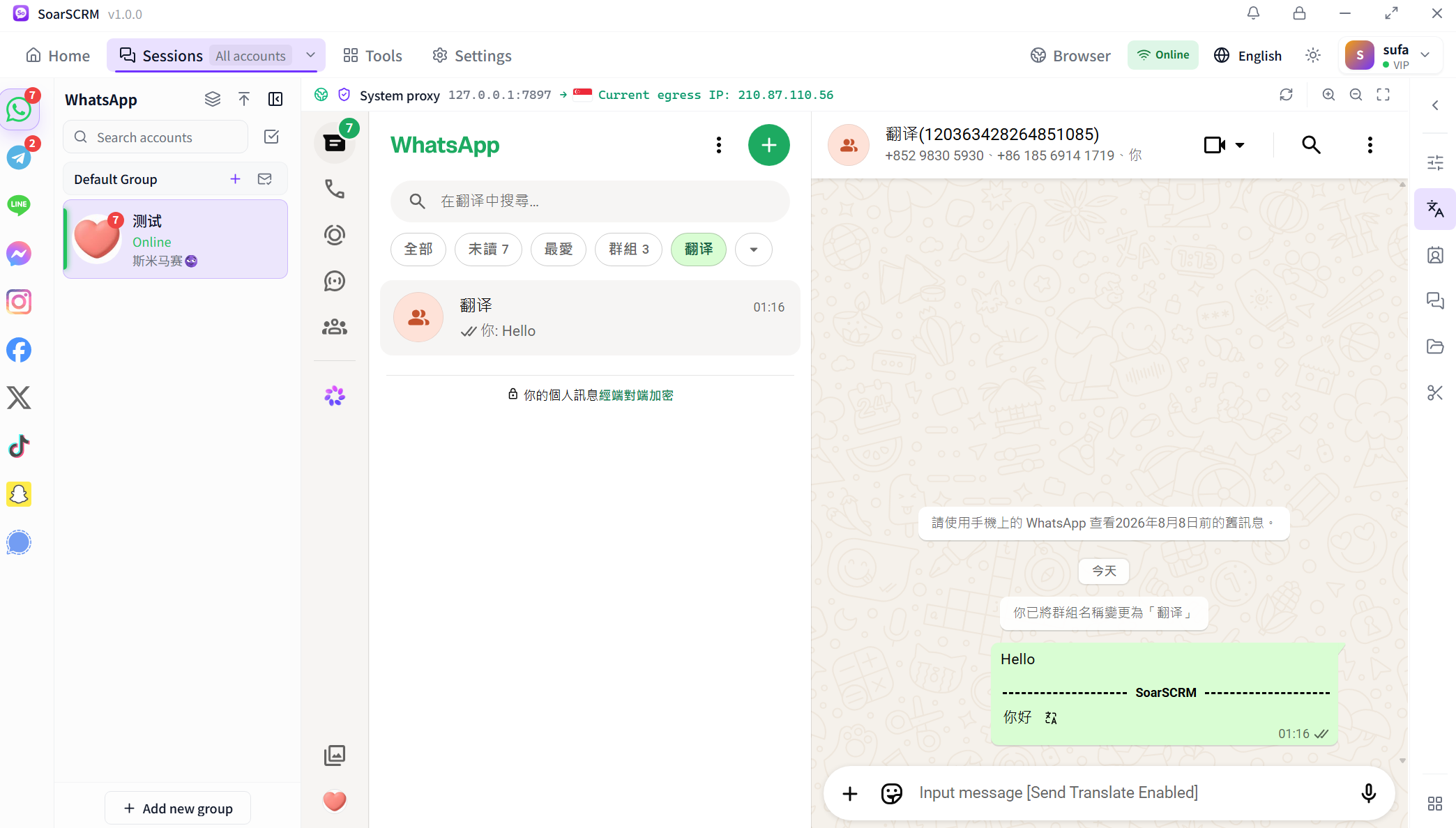
Use multiple WhatsApp, Telegram, LINE and Signal accounts in one desktop app. Switch conversations, check unread messages and translate replies in the same workspace.
Choose which platform entries appear and reorder them. Hiding an entry preserves its accounts, conversations and settings; keep at least one platform visible.
Find accounts in the platform list and use groups, online status and unread indicators to organise work. Check the account and contact before continuing a conversation.
Use separate session environments and configure proxies, languages and translation services as needed. Distinguish global defaults from account settings when diagnosing issues.
Concurrent accounts depend on plan ports. Social accounts handle sign-in and messaging, while team subaccounts organise members and permissions. Choose capacity around your team size and account workload.
Compare plans and features