Operations & data

Group operations and management

Manage group member information, posting permissions, administrator roles and word-monitoring rules within the capabilities and permissions of your platform accounts.

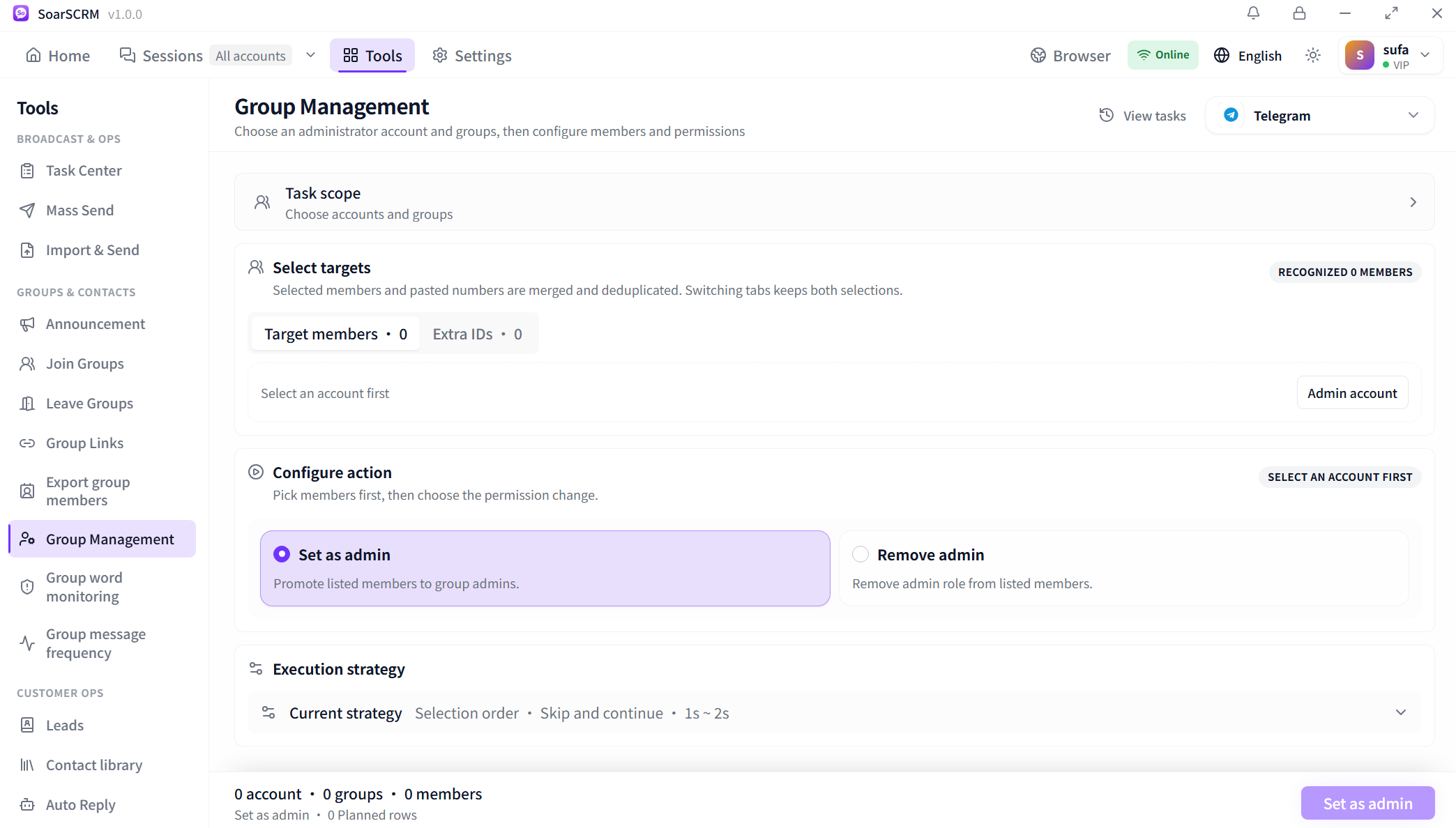
Telegram group-management setup: choose an administrator account, groups and members, then assign or remove admin roles. No targets are selected in this capture.

Select groups and export member details

Choose a platform, accounts and groups, then review execution order, intervals and failure handling before fetching members. The capture shows Telegram setup before export. After submitting, check progress and results in Task Center and use retrieved details to organise contacts.
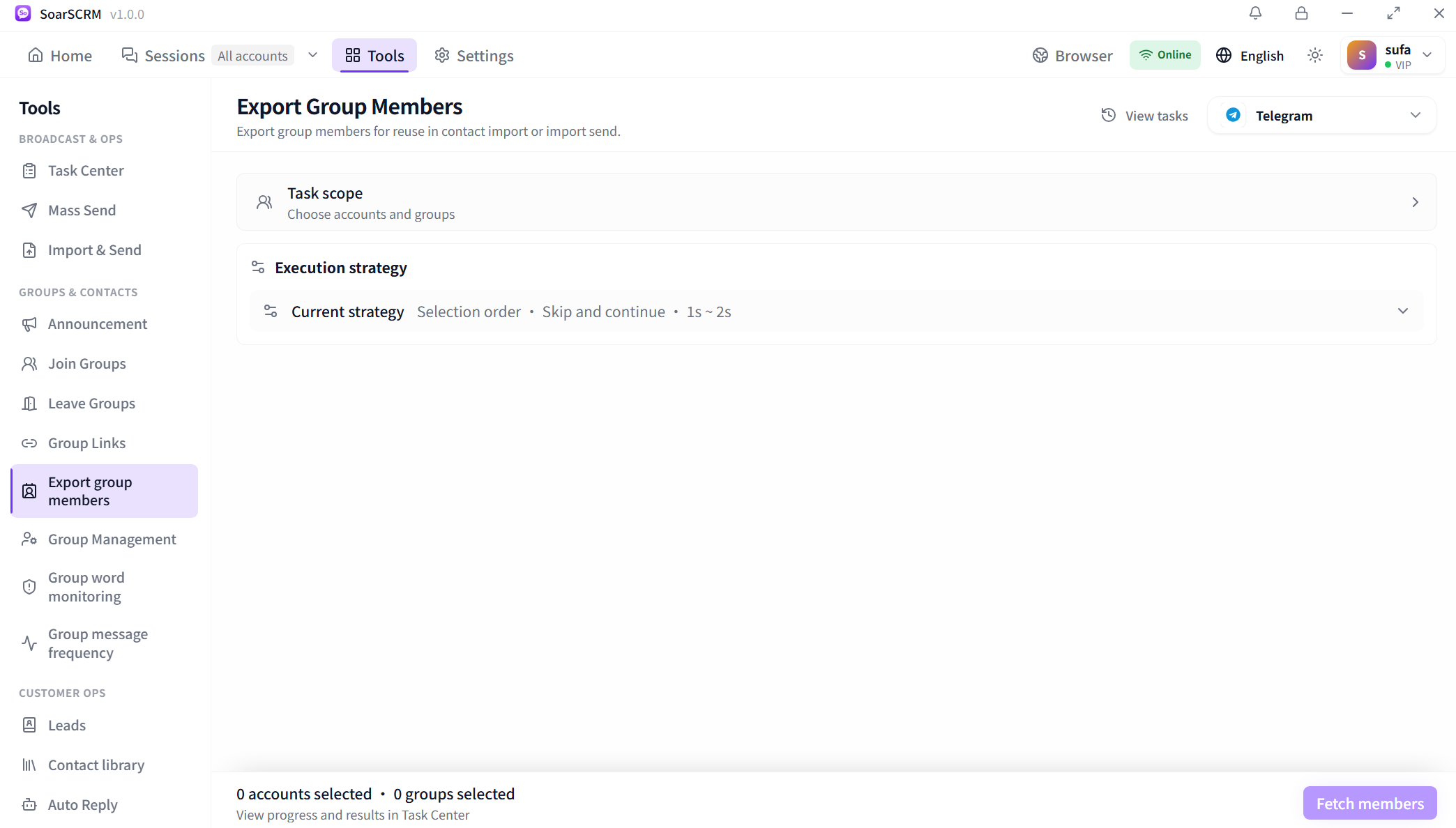
Telegram member-export setup: select accounts and groups and configure execution. Member retrieval has not started.

Set posting permissions and admin roles

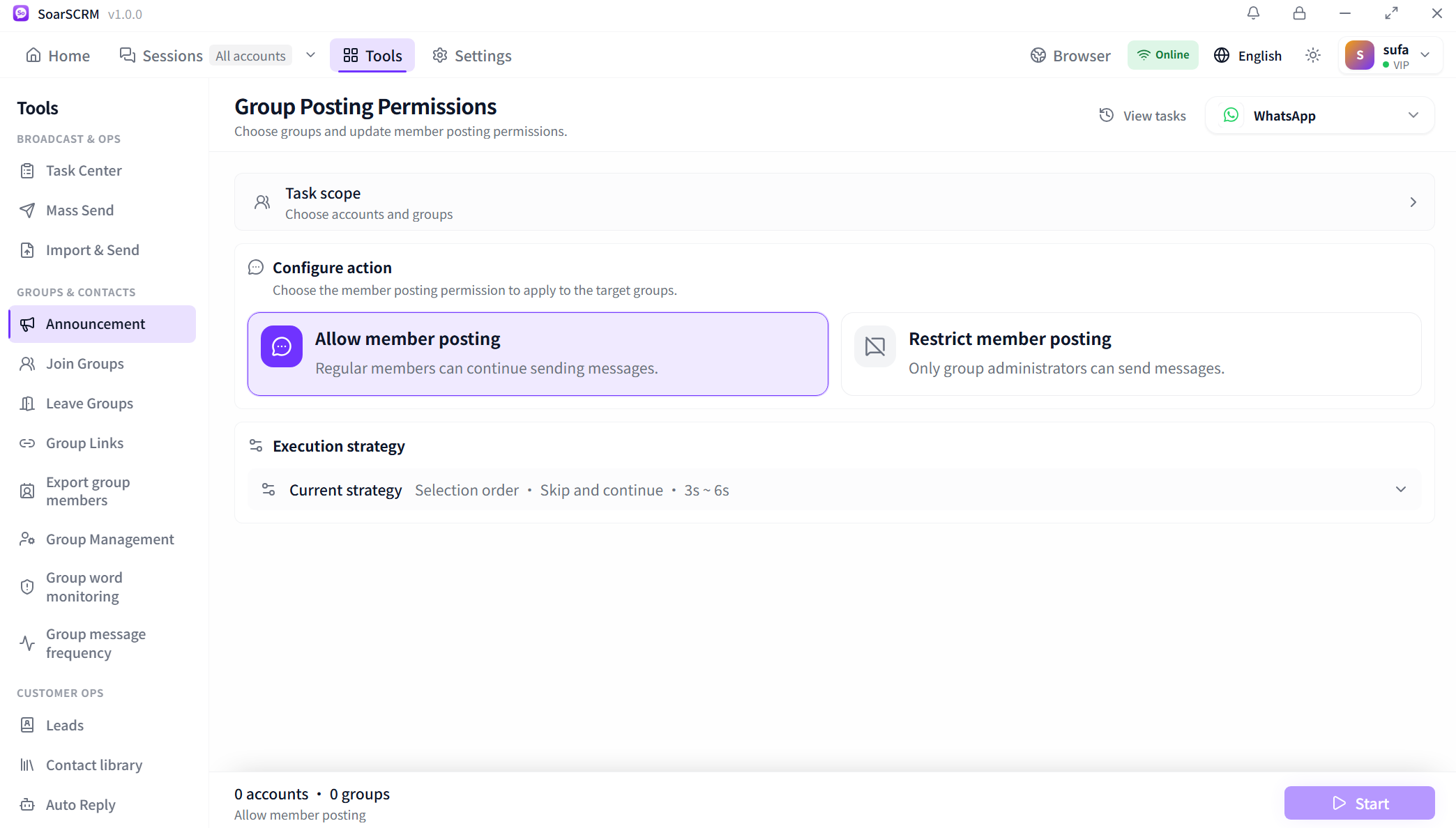
WhatsApp posting controls allow ordinary members to post or restrict posting to admins. In Telegram group management, select an administrator account, groups and members before assigning or removing admin roles. Confirm targets and your permissions, then review execution results.

WhatsApp posting-permission setup: allow members to post or restrict posting to admins. No groups are selected in this capture.

Configure word rules and check readiness

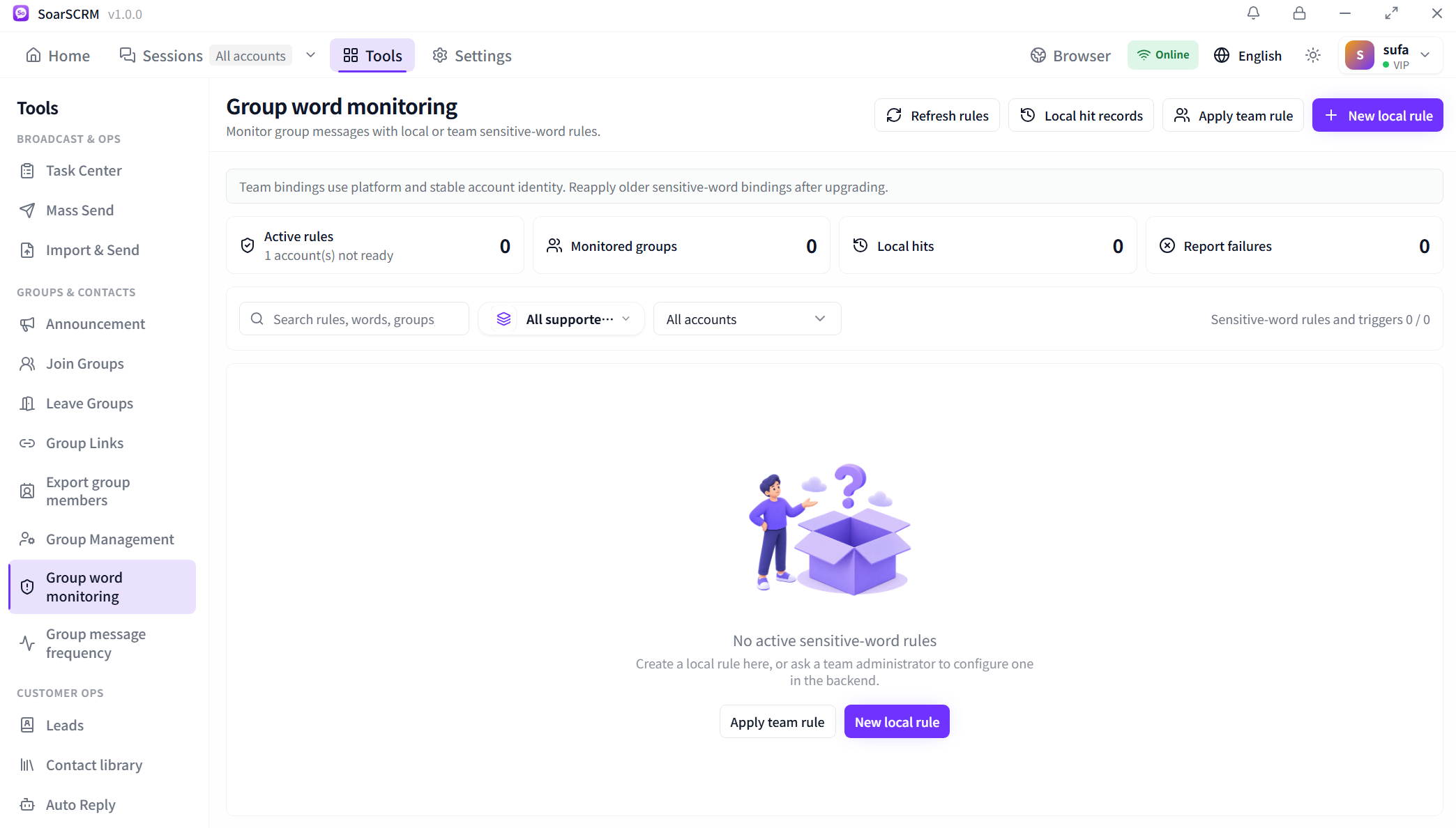
Create local word-monitoring rules or apply team rules to selected accounts and groups, then review local hit records. The capture has no active rules and one account is not ready. Check account readiness and rule settings before reviewing active rules, monitored groups and actual hits.

Group word-monitoring detail: create local rules or apply team rules. No rules are active, and one account is not ready.

Getting started

  1. Select a platform, accounts and target groups, and confirm management permissions.
  2. Configure member export, posting permissions or admin changes, or apply local and team rules.
  3. Confirm the scope and submit, then review Task Center or local hit records.

Availability and setup

Member exports contain the information actually returned by the platform. Posting controls, admin changes and word-rule actions depend on platform support, account permissions and rule availability. Signing in does not make every group-management action available.

Compare plans and features